mobium accessibility
This tool on every surface: CLI · MCP · Python · JavaScript · Go · Java · .NET
Read the device's accessibility settings, or change one for the session
With no argument, prints every accessibility setting the device has. With a setting, prints that one; with a setting and a value, changes it, confirms it by reading it back, and puts it back as it was when the session ends.
Settings: reduce_motion, bold_text, increase_contrast, reduce_transparency, button_shapes, differentiate_without_color, invert_colors, grayscale, and text size — text_size (a category) on iOS, text_scale (a number) on Android. A switch takes "on" or "off". A platform that lacks one says so.
On a real iPhone, where nothing outside can change them, Mobium goes through the Settings app for the six switches and comes back to the app in front.
Usage
mobium accessibility [setting [value]] [flags]
Examples
Read every accessibility setting
mobium accessibility
Printed on an Android 15 emulator:
reduce_motion                off
bold_text                    off
increase_contrast            off
invert_colors                off
grayscale                    off
text_scale                   1.0
Turn bold text on for the session
mobium accessibility bold_text on
Printed on an Android 15 emulator:
bold_text on (was off) — put back when the session ends
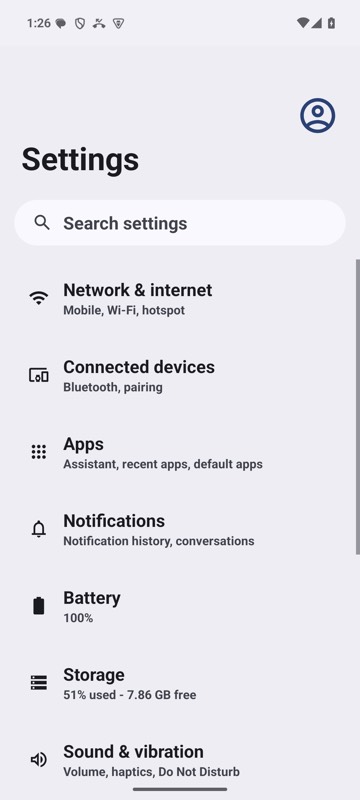
mobium accessibility bold_text on on an Android 15 emulator
More, from mobium accessibility --help
mobium accessibility                       # everything, as it is now
mobium accessibility bold_text on
mobium accessibility text_size accessibility-large   # iOS
mobium accessibility text_scale 1.3                   # Android
The tool
accessibility calls app_accessibility; its arguments and what every client calls it are there.