mobium orientation
This tool on every surface: CLI · MCP · Python · JavaScript · Go · Java · .NET
Read which way the screen is turned, or turn it
With no argument, prints the current orientation and whether it is pinned — a screen that happens to be portrait can rotate under you, so the two are different facts.
A rotation re-lays out every screen, so a layout that exists only in landscape is one nothing has tested. Setting an orientation pins it; "auto" hands it back to the sensor.
Not "left" and "right": which landscape is which depends on whether you mean the device or the image, and the platforms disagree. An activity that locks its own orientation cannot be turned from outside, and mobium says so rather than reporting a success.
Usage
mobium orientation [portrait | landscape | portrait-reverse | landscape-reverse | auto] [flags]
Examples
Turn the screen to landscape
mobium orientation landscape
Printed on an Android 15 emulator:
landscape (locked) (was portrait)
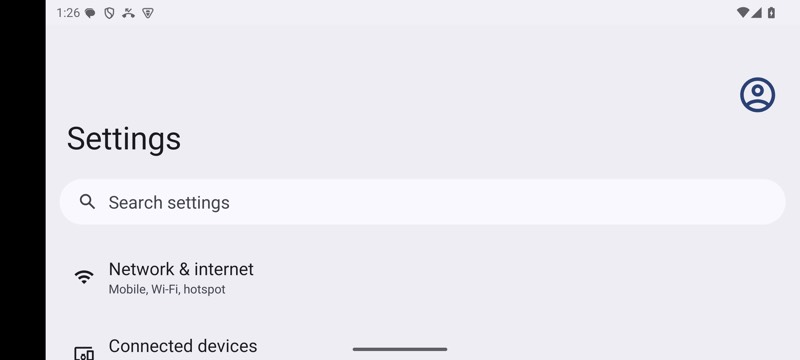
mobium orientation landscape on an Android 15 emulator
More, from mobium orientation --help
mobium orientation              # which way is it, and is it pinned?
mobium orientation landscape
mobium orientation portrait
mobium orientation auto         # follow the sensor again
The tool
orientation calls app_orientation; its arguments and what every client calls it are there.