mobium rotate
This tool on every surface: CLI · MCP · Python · JavaScript · Go · Java · .NET
Turn two fingers about an element or the screen
Puts two fingers on the screen and turns them, 90 degrees clockwise by default. A negative angle turns the other way.
It reports that the gesture was delivered and nothing more, and this is harder to confirm than a zoom: nothing in either accessibility hierarchy reports a rotation, and there is no WebView property to ask either — a page has to compute the angle from raw touch events itself.
The fingers are stepped around the arc rather than moved straight to the end. A straight move is a chord, which brings the fingers closer to the center on the way past, and the platform reads that as a pinch.
Usage
mobium rotate [degrees] [flags]
Flags
| Flag | Type | Default | What it does |
|---|---|---|---|
--degrees | float | how far to turn, positive clockwise | |
--radius | int | how far each finger sits from the center, in device pixels | |
--target | string | element to turn about (@ref or locator) |
And the global flags.
Examples
Turn a map a quarter turn clockwise
mobium rotate 90 --target @e2
More, from mobium rotate --help
mobium rotate
mobium rotate --degrees -90        # anticlockwise
mobium rotate 45 --target @e2 --radius 120
On a device
| Before | After |
|---|---|
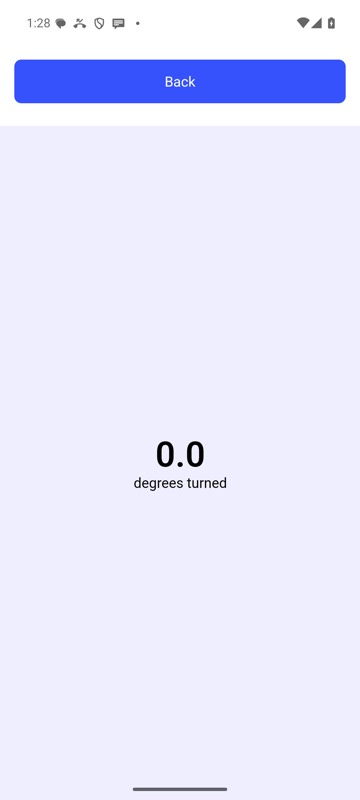 | 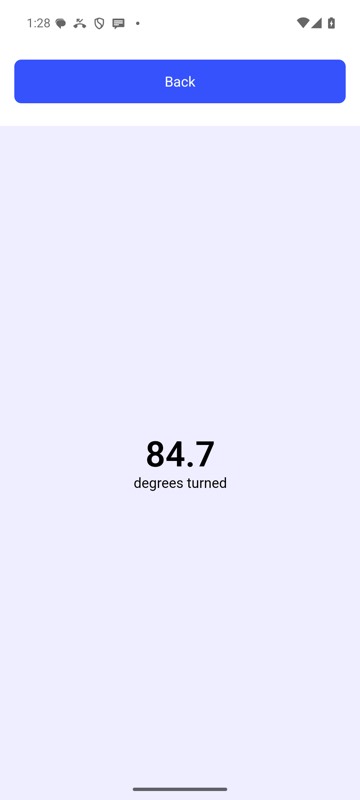 |
mobium rotate 90 on an Android 15 emulator
The tool
rotate calls app_rotate; its arguments and what every client calls it are there.