Accessibility · SetAccessibility
This tool on every surface: CLI · MCP · Python · JavaScript · Go · Java · .NET
Read the device's accessibility settings, or change one for the rest of the session: reduce_motion, bold_text, increase_contrast, reduce_transparency, button_shapes, differentiate_without_color, invert_colors, grayscale, and text size — text_size, a named category, on iOS, and text_scale, a number, on Android. These call app_accessibility.
Accessibility
public IDictionary<string, string> Accessibility()
public string Accessibility(string setting)
Every accessibility setting the device has, by name — reduce_motion, bold_text, increase_contrast and the rest. A setting the platform lacks is absent.
One accessibility setting.
SetAccessibility
public string SetAccessibility(string setting, string value)
Changes one accessibility setting for the rest of the session and
returns its new value, confirmed by reading it back; the device is
put back as it was when the session ends. A switch takes
"on" or "off"; text_size a category (iOS);
text_scale a number such as "1.3" (Android). A real iPhone
refuses. Discards the refs from the last map.
Examples
Read every accessibility setting
foreach (var setting in device.Accessibility())
    Console.WriteLine($"{setting.Key} = {setting.Value}");
The same call from the command line, mobium accessibility, printed on an Android 15 emulator:
reduce_motion                off
bold_text                    off
increase_contrast            off
invert_colors                off
grayscale                    off
text_scale                   1.0
Turn bold text on for the session
device.SetAccessibility("bold_text", "on");
The same call from the command line, mobium accessibility bold_text on, printed on an Android 15 emulator:
bold_text on (was off) — put back when the session ends
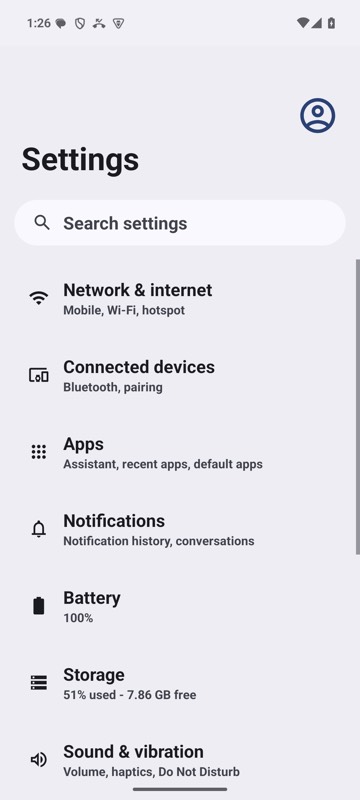
mobium accessibility bold_text on on an Android 15 emulator