Tap · DoubleTap · TapFingers
This tool on every surface: CLI · MCP · Python · JavaScript · Go · Java · .NET
Tap an element. These call app_tap.
Tap
public void Tap(string target)
public void Tap(int x, int y)
Taps a ref ("@e5") or a locator ("text=Sign In").
Taps a point in device pixels.
DoubleTap
public void DoubleTap(string target)
public void DoubleTap(int x, int y)
Taps twice, as one gesture rather than as two taps. The same tool
as Tap(string) with one argument set, so the target
is resolved the same way and refused the same way when the screen
has moved. The uiautomator dump driver refuses it: the window is
40-300ms and nothing there controls the interval between two adb
calls.
Double-taps a point in device pixels.
TapFingers
public void TapFingers(string target, int fingers)
Taps an element with several fingers at once, side by side — a two-finger tap with 2, three with 3 (up to 5). On iOS three fingers can reach the system instead of the app: three-finger gestures are undo, redo, copy and paste there.
Examples
Tap an element by its visible text
device.Tap("text=Network & internet");
The same call from the command line, mobium tap "text=Network & internet", printed on an Android 15 emulator:
tapped text=Network & internet at (407, 867)
| Before | After |
|---|---|
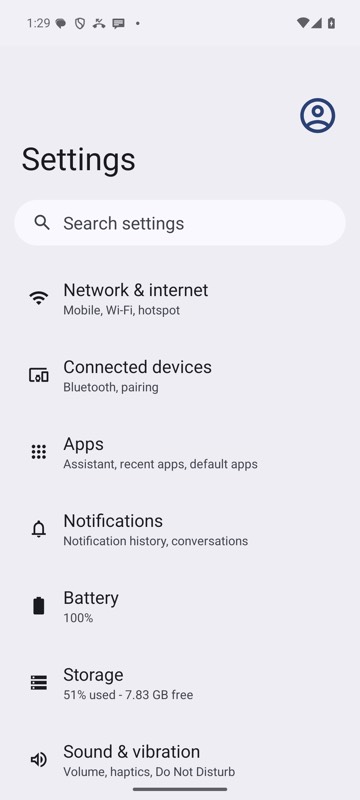 | 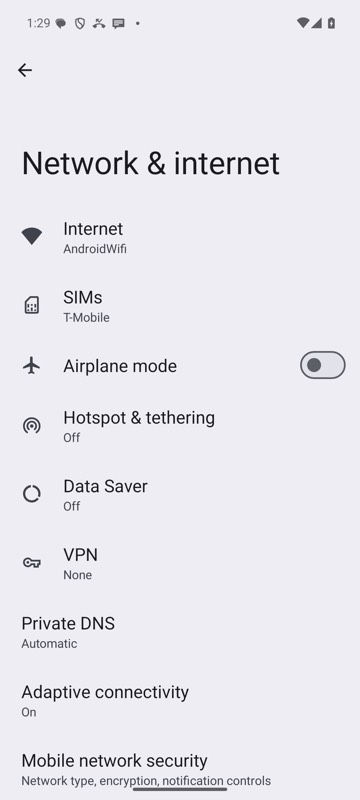 |
mobium tap "text=Network & internet" on an Android 15 emulator
Tap a ref from the last map
device.Tap("@e2");
Double-tap
device.DoubleTap("@e2");
Tap right after work the screen does not show, with the gray box on
device.LaunchWithGrayBox("dev.mobium.mobiumapp");
device.Tap("testid=busyQuiet");
device.Tap("testid=busyRowB");   // waits for the app to say it is idle
The same call from the command line, mobium tap testid=busyRowB, printed on an Android 15 emulator:
tapped testid=busyRowB at (540, 1095)
gray box: waited 307 ms for the app to go idle (busy: quiet)
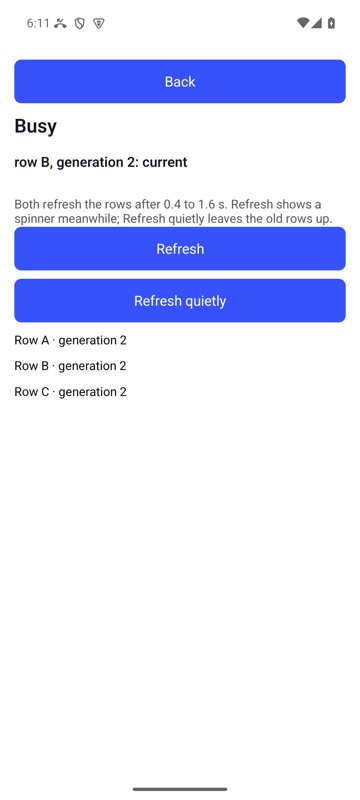
mobium tap testid=busyRowB on MobiumApp's Busy Demo, Android 15 emulator, launched with --gray-box: the tap waited for the quiet refresh to finish, and Row B is the new generation's
On a device
| Before | After |
|---|---|
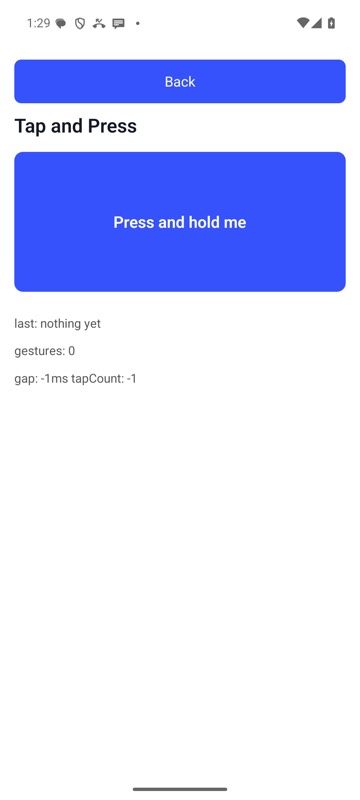 | 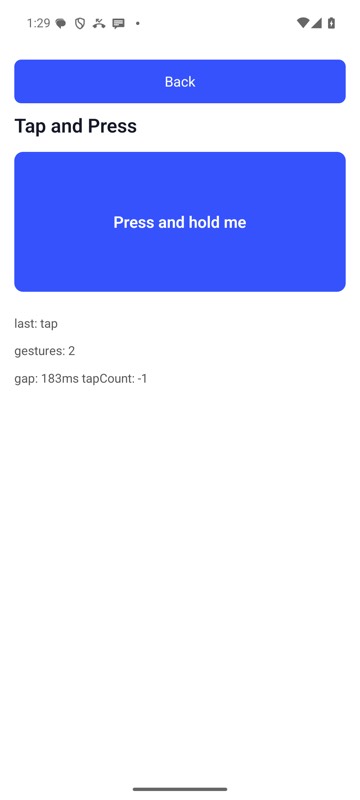 |
mobium double-tap testid=pressTarget on an Android 15 emulator