Orientation · SetOrientation
This tool on every surface: CLI · MCP · Python · JavaScript · Go · Java · .NET
Read which way the screen is turned, or turn it. These call app_orientation.
Orientation
func (d *Device) Orientation(ctx context.Context) (mode string, locked bool, err error)
Orientation reports which way the screen is turned and whether that is pinned. A screen that merely happens to be portrait can rotate under you, so the two are separate answers.
SetOrientation
func (d *Device) SetOrientation(ctx context.Context, mode string) error
SetOrientation turns the screen and pins it there. Pass "auto" to hand it back to the sensor.
A rotation re-lays out every screen, so the refs from the last Map are discarded — their bounds describe a layout that no longer exists. An activity that locks its own orientation cannot be turned from outside, and that returns an error rather than reporting success.
Examples
Turn the screen to landscape
if err := dev.SetOrientation(ctx, "landscape"); err != nil {
	return err
}
The same call from the command line, mobium orientation landscape, printed on an Android 15 emulator:
landscape (locked) (was portrait)
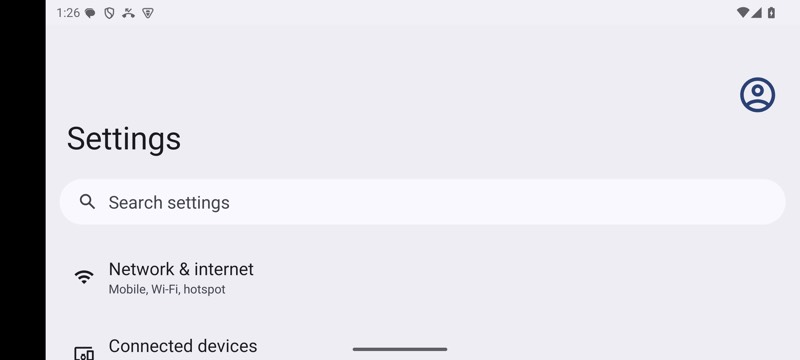
mobium orientation landscape on an Android 15 emulator