orientation · orientationLocked
This tool on every surface: CLI · MCP · Python · JavaScript · Go · Java · .NET
Read which way the screen is turned, or turn it. These call app_orientation.
orientation
public String orientation()
public String orientation(String mode)
Which way the screen is turned. A screen that merely happens to be
portrait can rotate under you, so orientationLocked() is a
separate question.
@return "portrait", "landscape", "portrait-reverse" or "landscape-reverse"
Turns the screen and pins it there; "auto" hands it back to the
sensor. "portrait", "landscape",
"portrait-reverse" or "landscape-reverse" — not
left/right, which the two platforms name differently. Discards the refs
from the last map, since bounds do not survive a rotation.
@param mode "portrait", "landscape", "portrait-reverse", "landscape-reverse" or "auto"
@return the orientation now in force
orientationLocked
public boolean orientationLocked()
Whether the orientation is pinned rather than following the sensor.
@return true when the orientation is pinned
Examples
Turn the screen to landscape
String now = device.orientation("landscape");
The same call from the command line, mobium orientation landscape, printed on an Android 15 emulator:
landscape (locked) (was portrait)
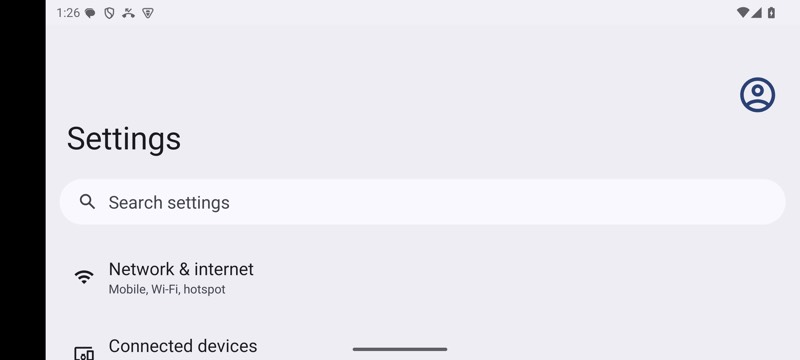
mobium orientation landscape on an Android 15 emulator