tap · doubleTap
This tool on every surface: CLI · MCP · Python · JavaScript · Go · Java · .NET
Tap an element. These call app_tap.
tap
tap(target: string, options?: { fingers?: number }): Promise<void>
tap(point: Point, options?: { fingers?: number }): Promise<void>
doubleTap
doubleTap(target: string | Point): Promise<void>
Examples
Tap an element by its visible text
await device.tap('text=Network & internet')
The same call from the command line, mobium tap "text=Network & internet", printed on an Android 15 emulator:
tapped text=Network & internet at (407, 867)
| Before | After |
|---|---|
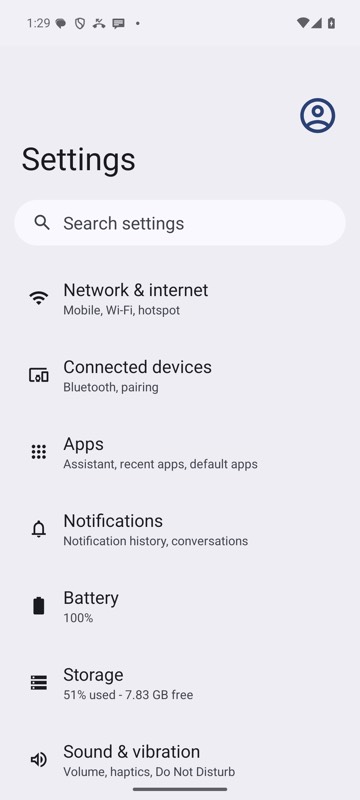 | 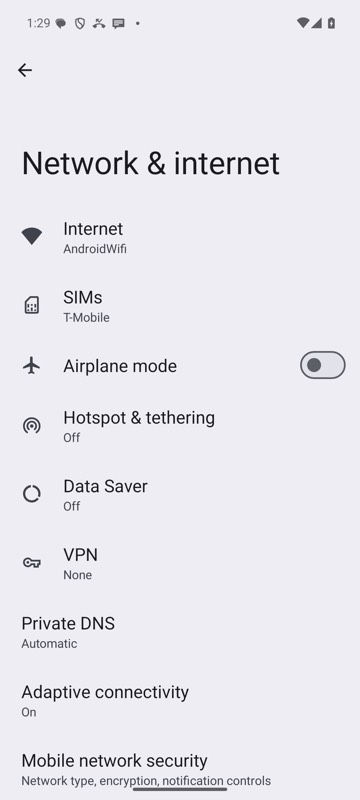 |
mobium tap "text=Network & internet" on an Android 15 emulator
Tap a ref from the last map
await device.tap('@e2')
Double-tap
await device.doubleTap('@e2')
Tap right after work the screen does not show, with the gray box on
await device.launch('dev.mobium.mobiumapp', { grayBox: true })
await device.tap('testid=busyQuiet')
await device.tap('testid=busyRowB')   // waits for the app to say it is idle
The same call from the command line, mobium tap testid=busyRowB, printed on an Android 15 emulator:
tapped testid=busyRowB at (540, 1095)
gray box: waited 307 ms for the app to go idle (busy: quiet)
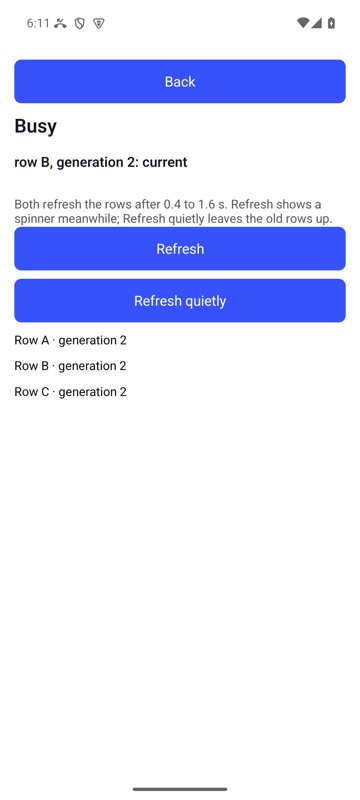
mobium tap testid=busyRowB on MobiumApp's Busy Demo, Android 15 emulator, launched with --gray-box: the tap waited for the quiet refresh to finish, and Row B is the new generation's
On a device
| Before | After |
|---|---|
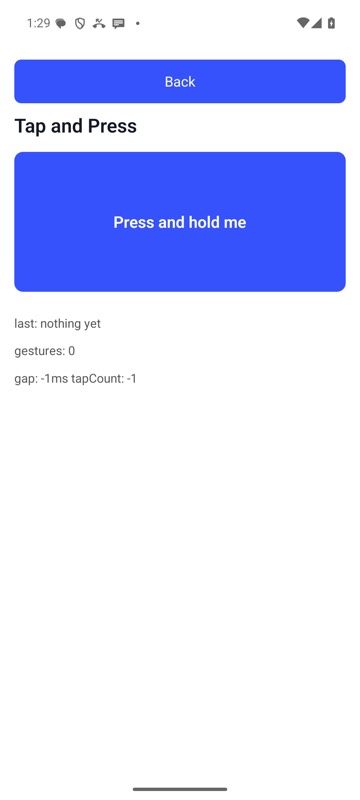 | 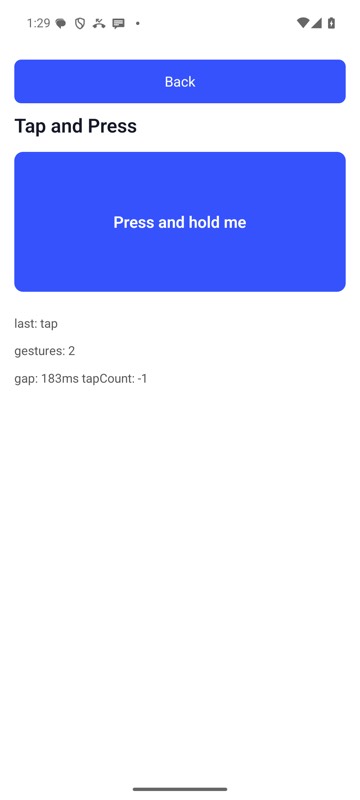 |
mobium double-tap testid=pressTarget on an Android 15 emulator