accessibility
This tool on every surface: CLI · MCP · Python · JavaScript · Go · Java · .NET
Read the device's accessibility settings, or change one for the rest of the session: reduce_motion, bold_text, increase_contrast, reduce_transparency, button_shapes, differentiate_without_color, invert_colors, grayscale, and text size — text_size, a named category, on iOS, and text_scale, a number, on Android. These call app_accessibility.
accessibility
def accessibility(setting: str | None=None, value: str | None=None)
Read the accessibility settings, or change one for the session.
With no argument, returns a dict of every setting the device has — reduce_motion, bold_text, increase_contrast and the rest. With a setting, returns its value; with a setting and a value, changes it, confirmed by reading it back, and returns the new value. A switch takes "on" or "off"; text_size a category such as "accessibility-large" (iOS); text_scale a number such as "1.3" (Android). Every change is put back when the session ends. A real iPhone raises. Changing one discards the refs from the last map.
Examples
Read every accessibility setting
for setting, value in device.accessibility().items():
    print(setting, value)
The same call from the command line, mobium accessibility, printed on an Android 15 emulator:
reduce_motion                off
bold_text                    off
increase_contrast            off
invert_colors                off
grayscale                    off
text_scale                   1.0
Turn bold text on for the session
device.accessibility("bold_text", "on")
The same call from the command line, mobium accessibility bold_text on, printed on an Android 15 emulator:
bold_text on (was off) — put back when the session ends
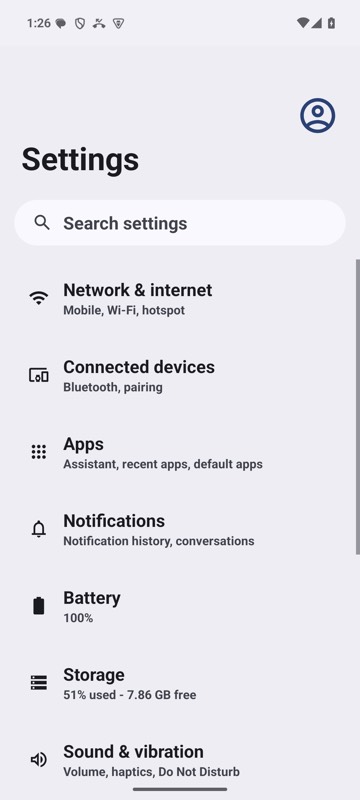
mobium accessibility bold_text on on an Android 15 emulator