press_drag
This tool on every surface: CLI · MCP · Python · JavaScript · Go · Java · .NET
Press and drag: one finger holds an element while a second finger drags from one place to another, and the first lifts only after the second has. These call app_press_drag.
press_drag
def press_drag(hold: str, source: str, target: str, lead_ms: int | None=None) -> dict
Hold one element with a finger while a second finger drags.
The second finger lands on source, moves to target and lifts, then the first lifts. Not drag(), which is one finger carrying something: here one finger anchors and the other moves. Android 15 and earlier only, for press_tap's reasons.
Examples
Hold one thing and drag another
device.press_drag("@e3", "@e5", "@e9")
On a device
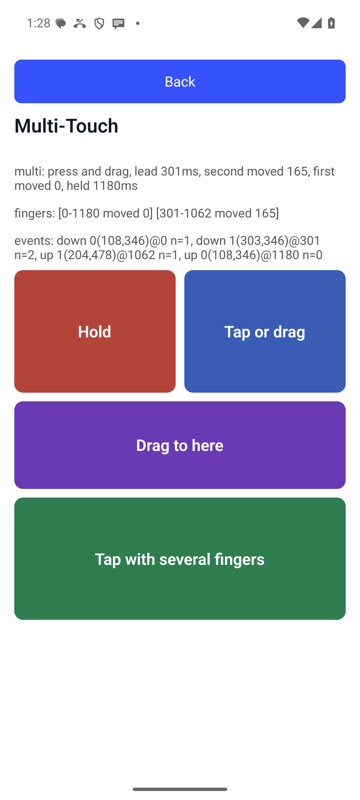
mobium press-drag 'label=Hold zone' 'label=Act zone' 'label=Drag end' on an Android 15 emulator